Basic is for players: pick a play from the list, set the runners and outs, or drag the ball. Coach adds your team, the whiteboard, the batter, how the hit turns out, steals and pickoffs, and the field size.
Little League baseball (60 ft) doesn't allow leadoffs, so runners can't leave until the pitch reaches the batter. Softball runners leave when the pitch is released. Turn leadoffs on for 50/70, travel ball, or older divisions.
Drag left or right anywhere on the field (not from home plate) to scrub back and forth through a play.
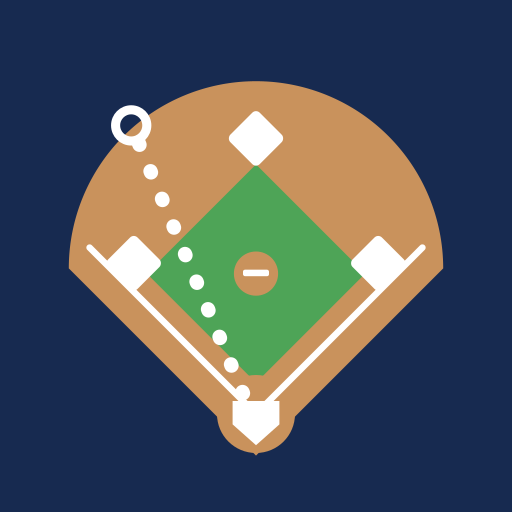
Grounder got through? After a ground ball, drag from the dashed ring (where the infielder tried for it) to where the ball rolled. Everyone plays it as a ball that got by.
Keyboard: Space play/pause · ← → step through the play · N next play · P projector mode · R reset · W whiteboard.
Whiteboard: an Apple Pencil or stylus always draws, and a finger moves players, runners and the ball. You can draw and move without switching tools. A drawing stays on top when you tap Done, until you run the next play.
Simple Fielding is free and has no ads or accounts. It's built by a dad with kids in Little League.
Buy me a coffee to help keep it going.
← Back to the Simple Fielding website · Guides
Version
Tester
Reports go to this address. It's saved on this device only. Leave it empty to copy reports instead.
 Simple Fielding